



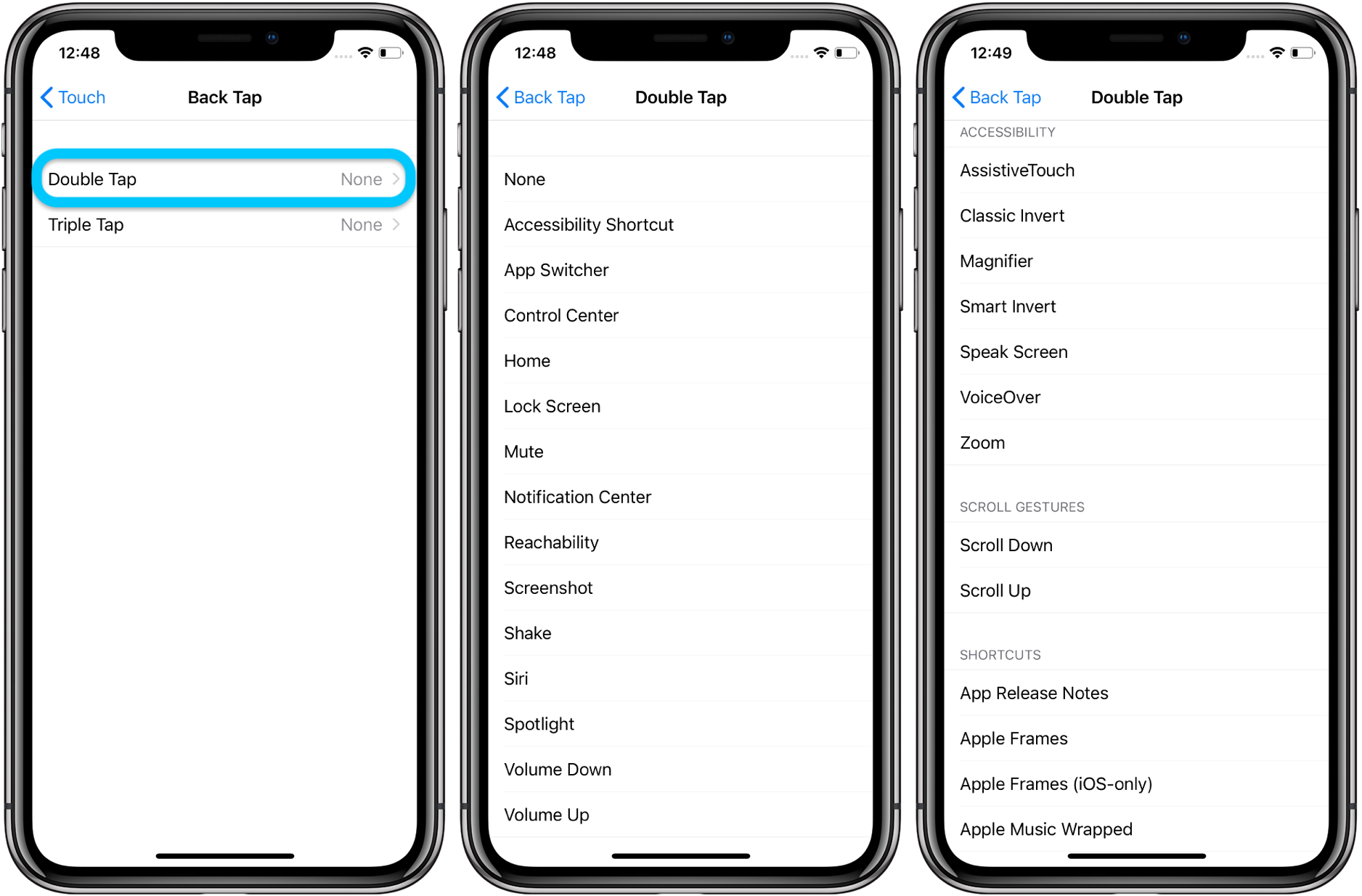
- Once you click on it, you will get two options – Double Tap and Triple Tap.
- Go to everything and see all the activities you can choose from.
In addition to functions like Siri, Mute, Lock, and Screenshot, you can also choose from other access options such as Speak Screen, Magnifier, and Smart Invert.
‘Back tap’ makes it easy to access your phone. Like for example – I chose a screen lock for double tap and a screenshot for triple tap. It requires a press on the power button when locking the iPhone, and is much easier to do when I use the iPhone with one hand – instead, I save a split second by choosing to lock my device with a double back tap.
