


The Secret Behind How To Reset iPhone 7 Plus

You should know how to reset iPhone 7 Plus if you face any issue with it. As far as technology goes, the age-old rule of restarting your device seldom fails. So, have you turned your device off and on again? This fundamental method almost always works.
Even for the iPhone 7 or iPhone 7 Plus, restarting it mostly solves any software issues. But sometimes, you may need to go a step ahead and reset it. Learn here how to reset iPhone 7 Plus as a troubleshooting technique.
Restart your iPhone 7 Plus
Of course, your first move should be to restart your device. This is the most basic step and the easiest one too. It may solve all your software problems at one go. This method usually works to resolve small glitches or troubles like a frozen screen, or an app not opening, or the keyboard suddenly becoming unresponsive, or any other minor hiccup.
To restart your iPhone 7/7 Plus, all you have to do is:
- Turn it off: Push the power button on your device and tap on the “Power Off” option. Wait for your device to shut down completely.
- Turn it on again: Push the power button again till your iPhone 7/7 Plus springs to life. When you see the Apple logo on your screen, release the button.
Sometimes an app runs in the background and drains a lot of battery. Restarting your phone solves this problem. If an app was behaving abnormally, that too is sorted. So, this is the first step to try whenever your device misbehaves.
But what if the power button itself becomes unresponsive?
Force restart your iPhone 7 Plus
It may so happen that your iPhone 7/7 Plus becomes completely unresponsive, and none of the buttons or the screen work. In such a case, you may not even be able to restart it the usual way. At this point, you have two options. First, try to force a restart. If that too fails, you have to reset your iPhone. You will learn the steps of how to reset iPhone 7/7 Plus below.
A force restart on iPhone devices usually requires you to make use of the power and the home button both. But the iPhone 7/7 Plus does not have any physical home button. To force restart your iPhone 7/7 Plus, you have press and hold the Sleep/Wake and the volume buttons simultaneously. Keep holding them till you see the Apple logo on your screen.
Hard reset/Factory reset your iPhone 7 Plus
If restarting does not work or resolve the issue you are having, the next option is to effect a hard reset of your iPhone 7/7 Plus. This method will erase all data from your phone so ensure that you have a backup. When you hard reset your iPhone, it will simply go back to its factory settings.
This method should be followed when you are no longer using your iPhone or are planning to sell it off. Thus, erasing all your data including photos, videos, and contacts on it is a good idea so it gets a clean slate and ready for another user.
Learn below how to reset iPhone 7 Plus directly from your device. This method is a factory reset, also called a hard reset. Before you go ahead, ensure you have all your data backed up because everything n your iPhone will be deleted once these steps are carried out:
- On your iPhone, go to Settings > General.
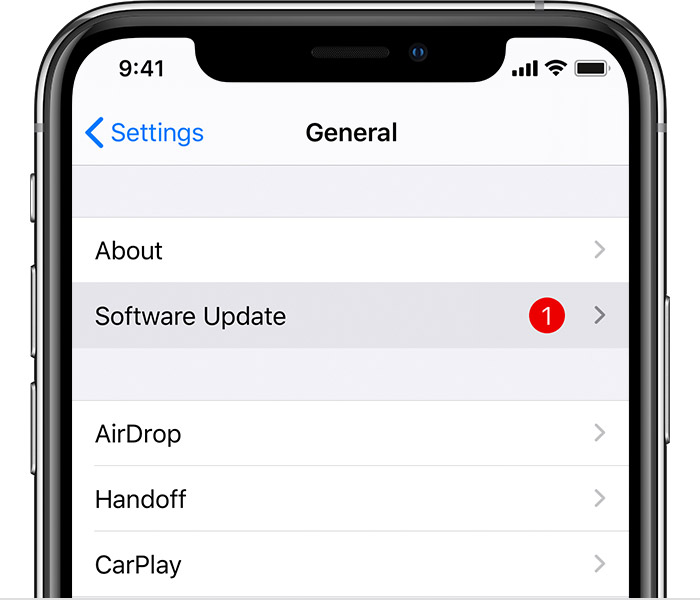
- Select the “Reset” option in the menu.

- Tap on “Erase All Content and Settings.”
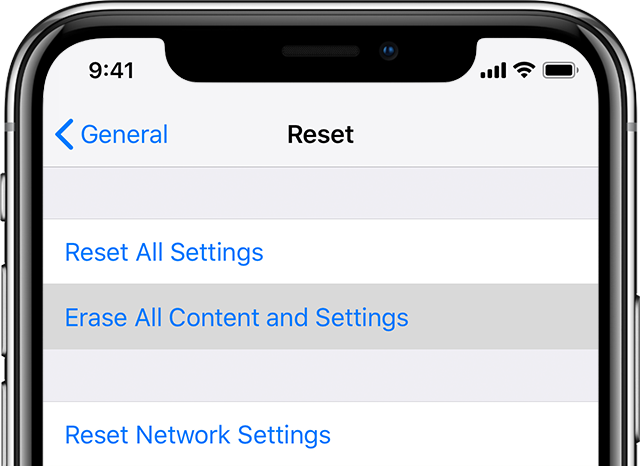
- Tap on “Erase iPhone” and tap on it again to confirm your choice.
- Enter your Apple ID credentials.
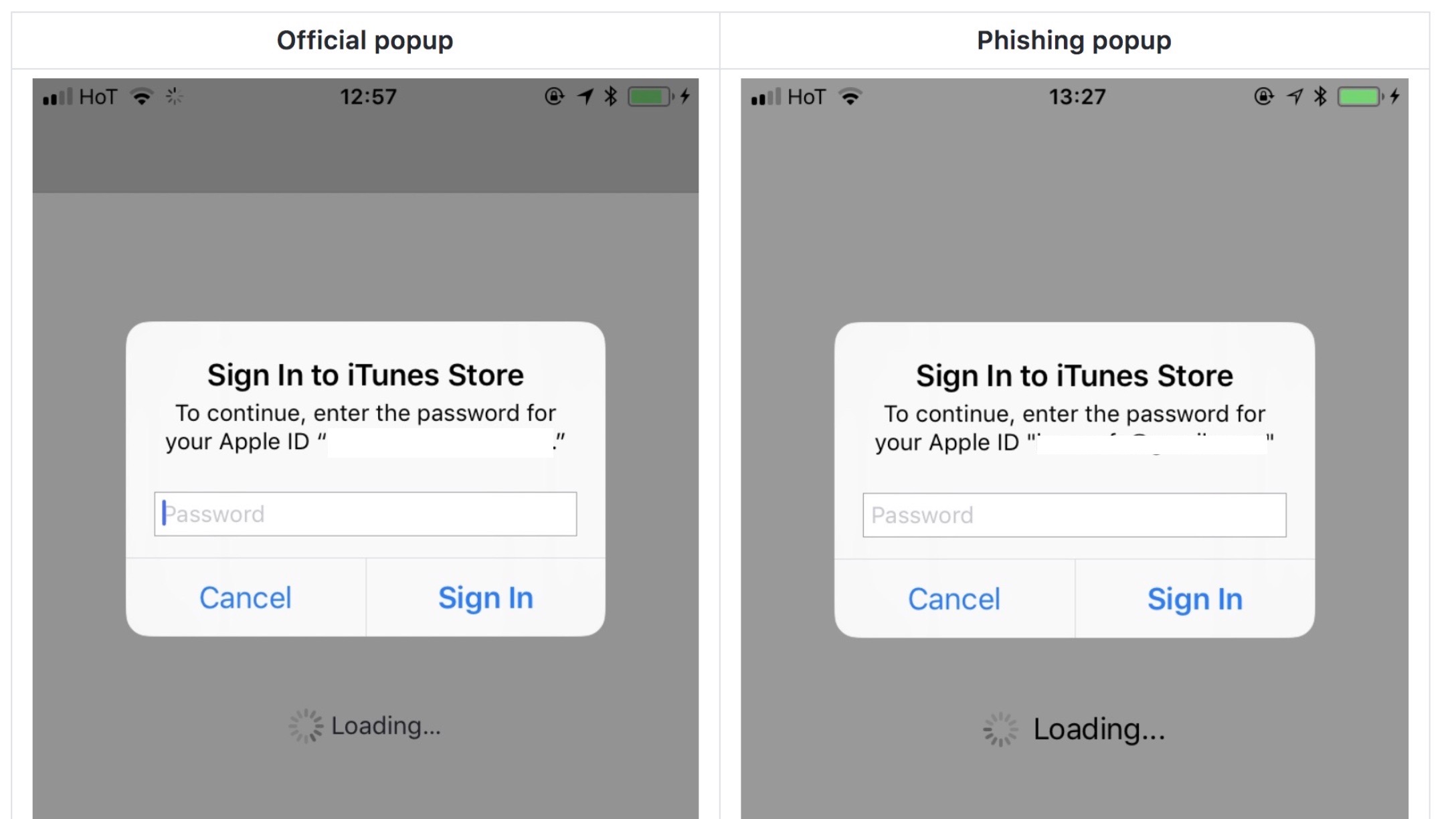
- Tap on “Erase.”
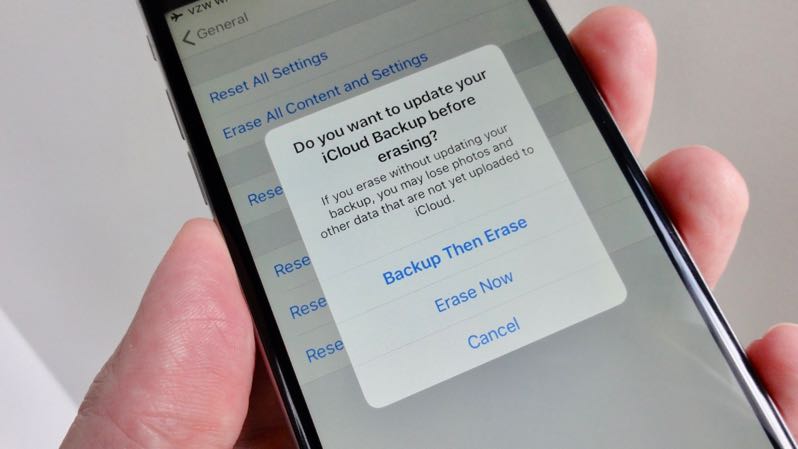
This will start the factory reset process and you can see the progress on your screen. Once done, your iPhone will automatically reboot and the setup screen will appear. Once you reach this stage, you will have successfully factory reset your iPhone 7 Plus.
Alternative method: Using iTunes
To employ the alternative method to reset your iPhone 7 Plus, you will need to use a computer that has iTunes installed. Here are the steps to follow:
- Plug your iPhone 7 Plus to the computer.
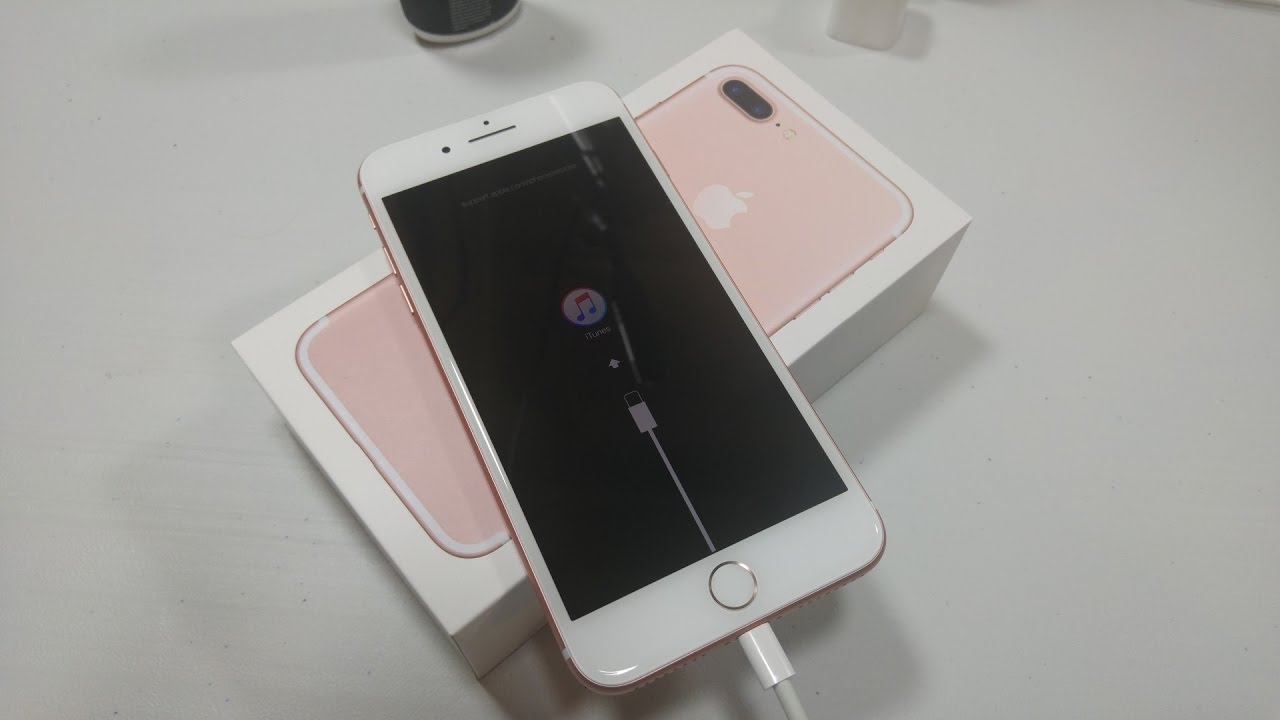
- Open iTunes. On the iTunes window, click on the iPhone icon on the top left corner.
- Go to Summary > Restore iPhone.
- You will be prompted to backup your iPhone. If you do not have a backup already, get it done now.
- Once your backup is complete, click on “Restore.” The factory reset process will begin.
Once completed, the iPhone will reboot and show you the initial setup screen. This indicates that the factory reset was successful.
