



The topic is how to add multiple pictures to Instagram story or how to add more than one image to our Instagram story. So, the questions are can I add multiple pictures or multiple photos or more than one photo in our Instagram or our Instagram story?
Now Instagram’s craze is all over the world. Each n every person has a personal or professional Instagram account, and most important is that to add a story to an Instagram account every day is now making craziness.
Yes, we can do so very easily. But we have to follow some easy steps. Here we briefly discuss the all steps in an easy way. Just follow it.
Steps to be followed
There are 3 methods which we will teach you to put multiple pictures or photos to your Instagram story
First Methods – Using the “Layout Tool” Create a collage of your images or photos |
Second Methods – Use “Upload multiple” methods |
Third Methods – the “Copy + Paste” methods |
Read More: Why does Instagram keep saying couldn’t refresh feed – Instagram couldn’t refresh feed
First Methods:-
Now, How to add more than one photo or multiple photos or images to Instagram story by “Layout Tools”
1.First, open Your Instagram App and go to your stories, scroll the page, and on your right side, you will see Layout Camera Mode. Select It.

2. Here you can add pictures.

Click on the icon “+” sign at the bottom left corner, and you can add pictures from here.
3. Once you add the pictures to your Instagram story, Now you can post it.
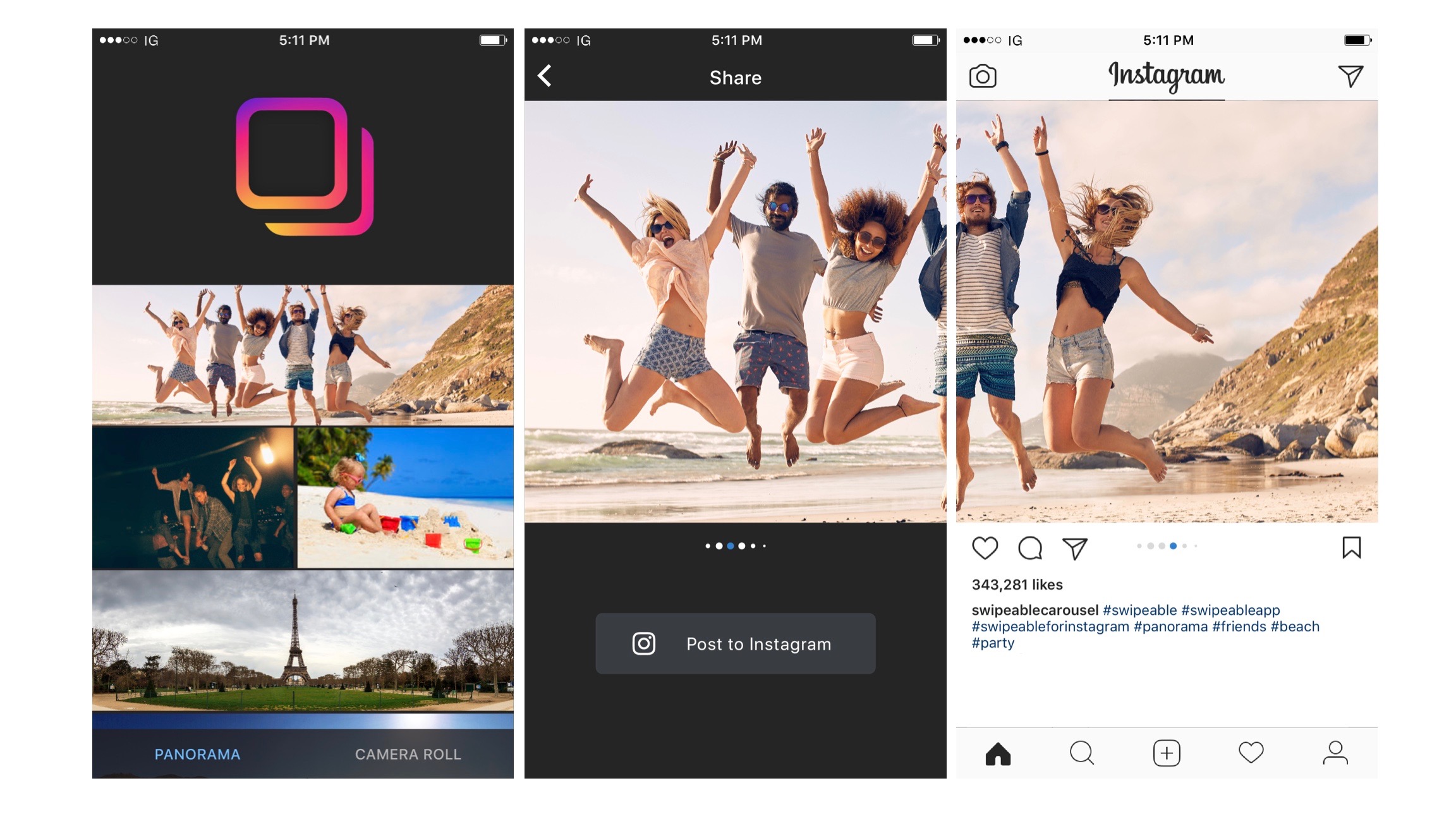
So, that’s it, You can add 2-8 photos very easily to your Instagram story very easily and quickly.
Read More: How to Unfollow Someone on Instagram [2021] – Identify & Get rid of spam or bot or fake followers
Second Methods:-
Now, How to add more than one photo or multiple photos or images to Instagram story by “Upload multiple” methods
Step 1. Add Images
First, open Your Instagram App, and go to your stories, press the square icon which you will get at the bottom of the left corner. So tap it and add images or photos to it.
Step 2. Select more than one photo or images
Go to the top right corner and tap the “Select multiple” button and select photos.
Step 3. Modify
You can edit your image stories by adding text and graphics or give some stickers on them.
Step 4. Now share your Post or Instagram Story!
When all done, post it, tap “Your story”.
Read More: [2021] How to change my profile picture on Instagram on App, iPhone, Android, Computer
Third Methods:-
Now, How to add more than one photo or multiple photos or images to Instagram story by “Copy+Paste” methods
1. Open the Gallery or where your photos or images are stored.
Select an image you want to add to your story.
Step 2. Copy image.
Click on image options and press on the “copy photo”.
Step 3. Now Open your Instagram Stories in the Instagram app
Open your Instagram app and click create a new story. A pop-up message is showing, where has written: “add to story”. Just click it and add images that you have already copied it. Or you can click the text tool to paste it.
Step 4. Repeat the steps above for adding more than one photo to your Instagram story.
Step 5. Tap “Your Story” to post it.
Creative Ideas of Instagram to Involve Your Audience
I hope you have learned how to put several images in the classroom class, but are you sure your followers would find them attractive? Are you a blogger or an expert in business that you are looking for ideas to participate and create a wow factor around your Instagram audience? Here are the best ideas were chosen exclusively for your reach that is creative, as well as impressive.
1. Go to live
The first and most important idea of involving the conversation and participating with the followers is going to a live video in Ur. While live videos involve real-time facilities, it allows one to interact directly with questions, answers, comments, and other ideas on the user’s side.
2. Gifts and contests.

The best option to go with organizers of events or brand promoters is the idea of contests and draws. Undoubtedly, he will embark to embark on the compromise numbers that will lead to emotion and an increase in the club of his follower. Like the free service test, a product sample, you can choose a price for the winner.
3. Promote Instagram Publications

In addition to sharing their publications in their Instagram history, try to promote other posts in their history such as sharing their publications from any of their followers. Create fun and close collaboration between your followers.
4. Perform a survey

What about asking questions to your followers with a survey in your story? Insta offers survey sticker options with which you can ask questions that involve your viewers. You can promote your most fun brand as well.
5. Promoting their products.
You can promote a brand or your product with your instrument stories. Is there a product in the market? You can announce your arrival, get comments, and promote them in turn. Online courses, combined healthy product packages, etc., come on the list.
6. Use IGTV.
Have you ever heard about IGTV (Instagram TV), the Instagram STANDALONE VIDEO application launched in 2018 Ayiding Creators for videos long? It is an excellent idea of sharing exciting news or video content to its followers in the provocation of commitment.
Give a look at the creation of roses with Saturn tapes or a tray with newspaper leftovers if you are right. In addition to sharing videos or products, publish a video of the construction of an artisanal project, making an easy salt recipe that is the best to take a wow factor.
Conclusion
Now you can see How to add multiple pictures to Instagram story, it’s time to start posting!
